


Your Google Business Profile (GBP) is often the first thing a customer sees about your business. Not your website. Not your ad. Your free listing on Google Search and Google Maps.
This Google Business Profile checklist walks through all 30 steps that move a listing from average to top-ranked. We cover the basics almost everyone knows, plus the deeper technical and trust signals that most local businesses skip.
What Is a Google Business Profile Checklist?
A Google Business Profile checklist is a structured list of tasks that make your listing complete, accurate, and active. Google rewards profiles that are fully filled out and regularly updated with better placement in the Local Pack — the map and three-listing block that appears above organic results.
This matters more than most owners realize. 46% of all Google searches carry local intent, according to Google’s own local search data, and 76% of people who run a “near me” search visit a business within 24 hours. Your GBP is the bridge between that search and that visit.
A complete profile also builds trust before a customer ever calls. Businesses with a fully optimized profile are 2.7 times more likely to be seen as reputable, and they draw roughly 70% more location visits than incomplete listings, per BrightLocal’s local consumer research. That’s the real payoff of working through a checklist like this one.
How Google Ranks a Business Profile
Google uses three main signals to decide who shows up in local results: relevance, distance, and prominence. Relevance means how well your profile matches the search term. Distance is how close your business is to the searcher. Prominence is how well-known and trusted your business is, based on reviews, links, and citations.
Local SEO researchers at Whitespark consistently find that the primary category you choose is the single biggest ranking lever inside your control. Get that one field wrong, and nothing else on this checklist can fully make up for it.
Google Business Profile Checklist: Foundation Steps
These are the non-negotiable basics. Skip these, and your profile simply won’t compete, no matter how good your photos or reviews are.
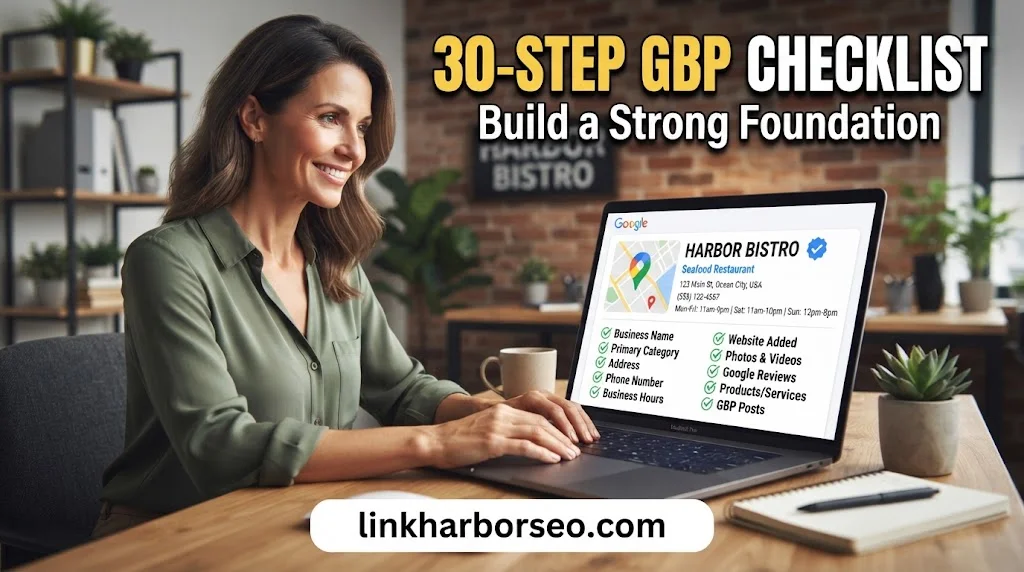
Claim and verify your listing. An unverified profile ranks poorly and can be edited by anyone. Google increasingly uses video verification, so have your signage and storefront ready when you apply.
Use your real, exact business name. Adding keywords or a city name to your business name is a policy violation. It’s also one of the fastest ways to trigger a suspension.
Pick the right primary category. This single choice carries more ranking weight than almost anything else on your profile. Search your own keyword in Google Maps and see what your top three competitors are using, then choose the closest accurate match for your business.
Add relevant secondary categories. You can add up to nine additional categories. Each one opens the door to a new set of search terms your business can appear for.
Set your address or service area correctly. Show your physical address if customers visit you in person. Hide the address and set a service radius if you travel to customers instead. Getting this wrong is one of the most common causes of a suspended listing.
Keep your hours accurate, including holidays. Google actively demotes listings that show as open when they’re actually closed. Set special hours ahead of holidays and local events so your profile never misleads a searcher.
Use one consistent phone number everywhere. Your NAP — Name, Address, Phone — needs to match exactly across your website, your GBP, and every directory listing you appear on. Consumers notice inconsistency too: 62% will avoid a business if they spot conflicting information online, according to BrightLocal.
Link to a specific, relevant landing page. Don’t send every visitor to your generic homepage. If your keyword is “emergency plumber,” link to the emergency plumbing page, not the front door of your site.
Must Read: Why Are My Backlinks Not Showing Up in Google Search Console?
Google Business Profile Checklist: Content and Relevance Steps
This is where you teach Google — in plain language — exactly what your business sells and who it serves.
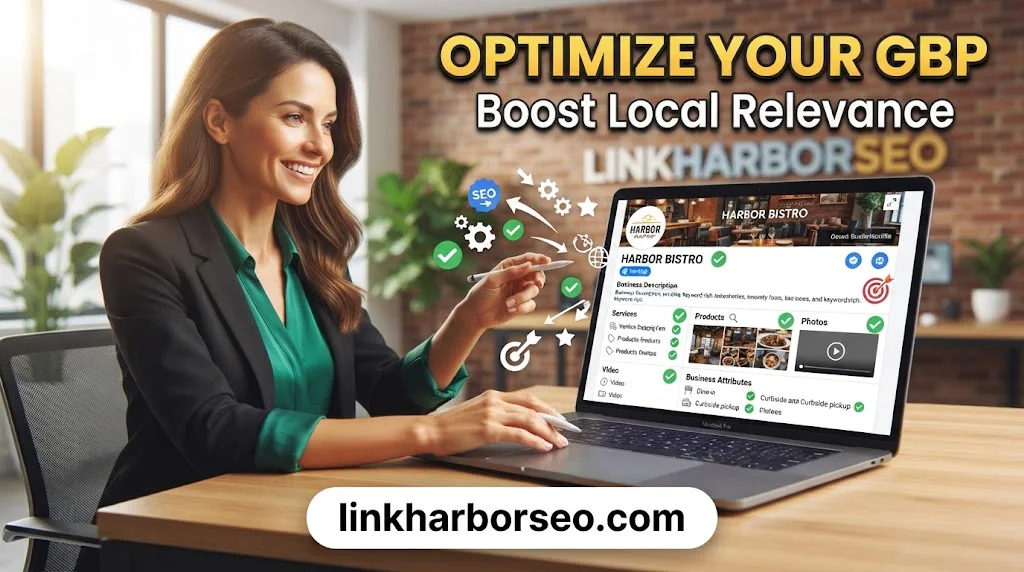
Write a full business description. You get up to 750 characters. Use them to explain what you do, who you serve, and what sets you apart, in the same words your customers actually search with. Skip the keyword stuffing; it doesn’t move rankings, and it reads as spammy.
List every service individually. Don’t lump everything into one vague line. Each service should have its own short description, written in plain, customer-facing language.
Add products, with images and prices where possible. Products display as visual tiles on your profile, and they noticeably increase engagement compared to a plain text list.
Upload real photos regularly. Include your storefront, interior, team, and work-in-progress shots. Listings with photos see 42% more requests for directions and 35% more website clicks than listings without them, based on Google’s own performance data. Aim for at least 15 to 20 strong photos to start, then add a few every month.
Add at least one short video. A 30-second clip of your storefront or your team at work is still rare among local businesses, which makes it an easy way to stand out.
Fill in business attributes. Things like wheelchair access, free parking, or veteran-owned status act as filters customers use when comparing options. Each attribute you add is one more reason a searcher chooses you over a competitor.
Update your logo and cover photo. These are the first visual impression on your profile. Keep them current, on-brand, and properly sized so they don’t appear stretched or blurry on mobile.
Google Business Profile Checklist: Trust and Engagement Steps
Google measures activity. A listing that posts, answers questions, and earns fresh reviews signals a real, running business — not an abandoned page.
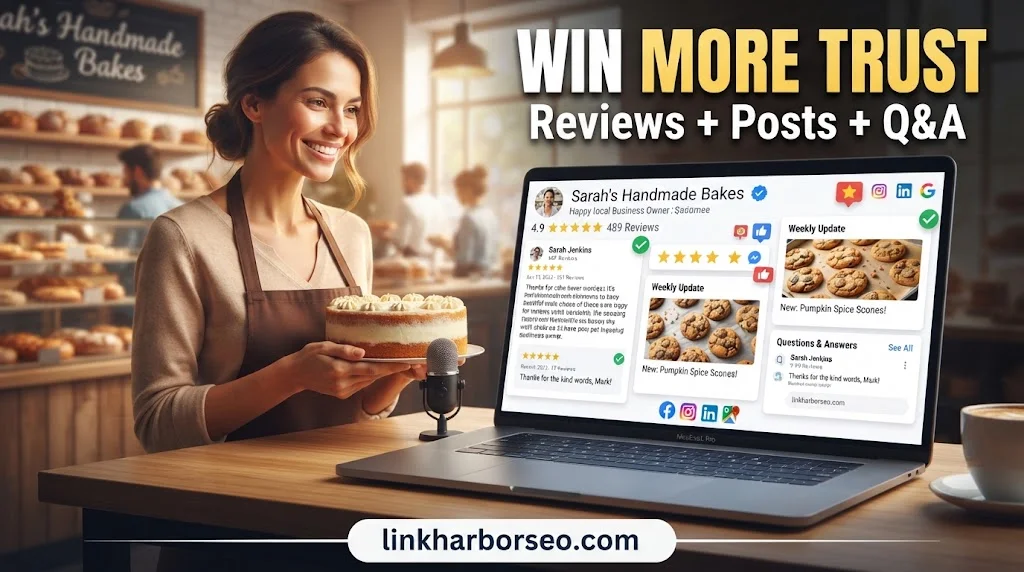
Post weekly. Share offers, events, or simple updates. Regular posting is associated with noticeably higher engagement on a profile, and consistency matters more than polish here.
Seed your own Q&A section. Don’t wait for random questions to trickle in. Write and answer the ten questions your customers ask most, straight from your business account, so accurate answers are the first thing a searcher sees.
Build a review-generation system, not a one-time push. A simple QR code at checkout, or a text message sent an hour after service, will outperform staff awkwardly asking in person. Volume matters: businesses with 50+ reviews are 266% more likely to appear in the Local Pack than those with fewer than 10, per BrightLocal’s ranking-factor research.
Reply to every review, good or bad. A reply is a visible, public signal that someone is actively managing the business. Interestingly, research from Northwestern University’s Spiegel Research Center found that a perfect 5.0 rating can look less trustworthy than a 4.5-star average — consumers grow suspicious of ratings that seem too flawless.
Handle negative reviews calmly and in public. Acknowledge the issue, apologize for the experience, and move specifics to a phone call or email. Future customers read your response far more closely than they read the original complaint.
Encourage reviews on other trusted platforms too. Google also surfaces third-party review mentions on some profiles. A presence on Yelp, industry directories, or niche review sites reinforces the trust signal Google is already picking up from your own reviews.
Add your social media links. One link per platform strengthens the consistency between your profile and your wider online presence, and it gives cautious customers another way to verify you’re legitimate.
Google Business Profile Checklist: Conversion and Advanced Steps
Ranking well only matters if the click turns into a call, a booking, or a visit. These steps close that gap.
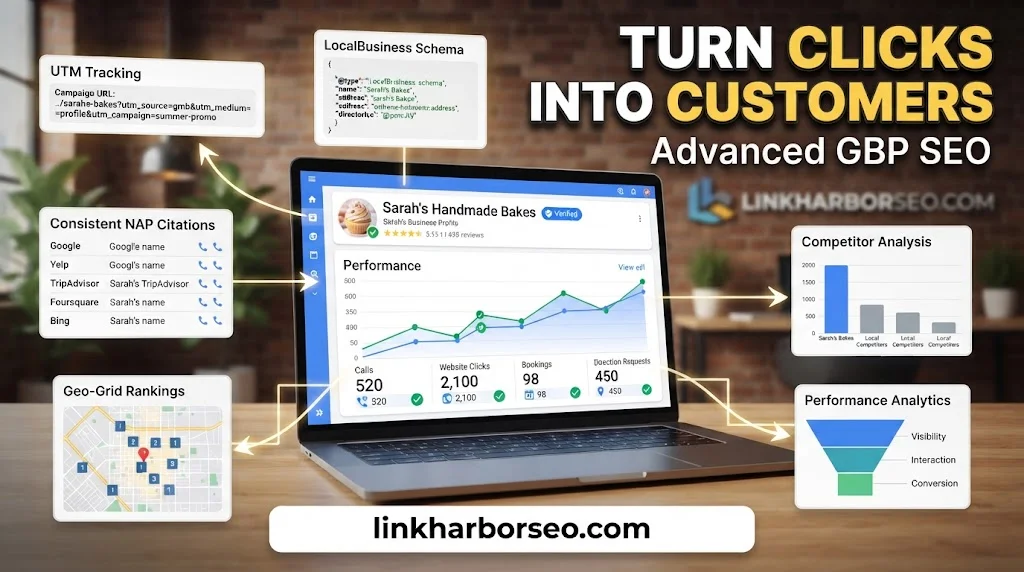
Add UTM tracking to your website link. Without it, GBP traffic disappears into your analytics as unlabeled direct traffic, and you lose the ability to prove the listing is working.
Turn on booking, ordering, or appointment links. If your category supports them, these buttons remove an entire step between “interested” and “customer.”
Run a conversion audit on your linked landing page. Make sure it loads fast on mobile, shows a phone number above the fold, and includes a clear call-to-action. A customer who can’t act within a few seconds moves on to the next listing.
Keep your citations consistent across directories. Your NAP details on Yelp, industry directories, and local chambers of commerce should match your GBP exactly. Research from local SEO agency BrightLocal links consistent NAP data to measurably higher local visibility.
Add LocalBusiness schema markup to your website. This structured data doesn’t just help Google; it also feeds the kind of clear, verifiable business facts that AI-driven search summaries and voice assistants pull from when answering local queries.
Audit your top three competitors regularly. Look at their categories, review counts, and posting frequency. Competitor gaps are often the fastest opportunities on your own profile.
Set up multi-location management properly if you run more than one site. Each location needs its own accurate profile — never a single listing trying to represent several addresses.
Track your rankings with a geo-grid tool. Local rankings shift block by block, not just city by city. A geo-grid report shows exactly where you rank a mile away versus right next door, which a single search query never reveals.
Review your Google Business Profile Insights monthly. This dashboard shows how customers found you, what action they took, and where your listing is winning or losing ground.
Must Read: Link Building for SMB Owners: 15 Powerful Strategies to Grow Your Business
The 2026 Update Every Business Owner Should Know
If you’ve read older advice telling you to “turn on chat and call history,” that feature no longer exists. Google permanently removed both chat and call history from Business Profiles as of July 31, 2024, citing low usage.
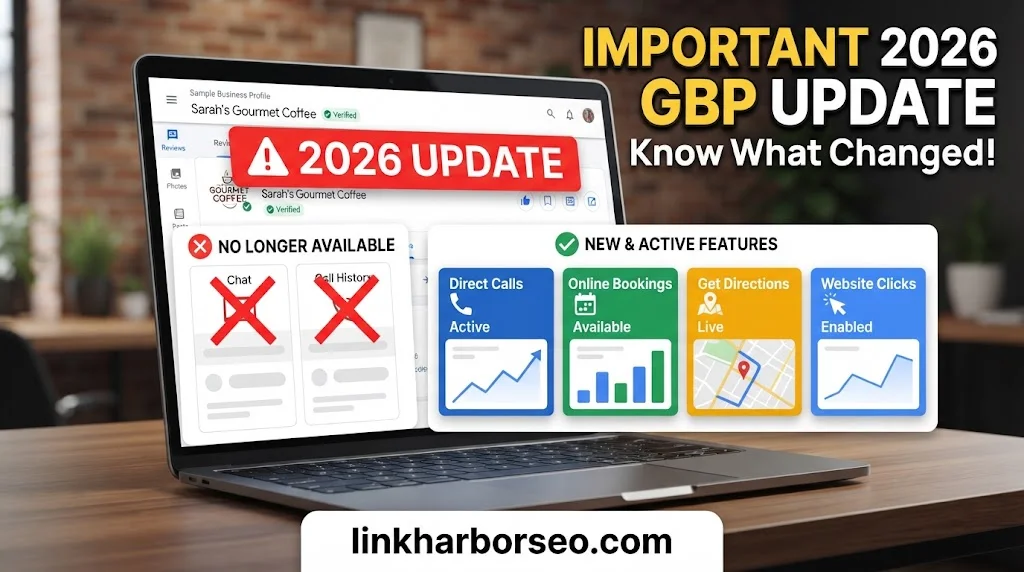
That means your conversion strategy has to lean on what’s left: a clear call button, direction requests, a booking link, and a fast, mobile-friendly landing page. Don’t build a strategy around a feature Google has already shut down.
Weekly and Monthly Google Business Profile Checklist Routine
Optimization isn’t a one-time project. Google’s own systems favor profiles that show ongoing activity, not a single burst of effort followed by silence.
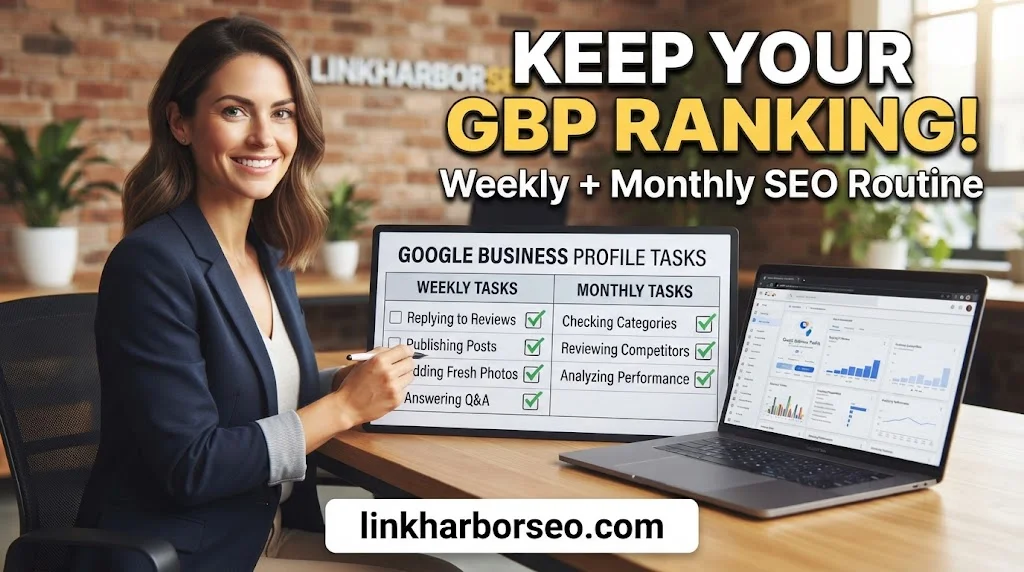
Each week, spend about 30 minutes: check for unauthorized edits, reply to any new reviews, publish one post, add two to five fresh photos, and answer any unanswered questions in your Q&A section.
Each month, do a deeper clean-up: review your categories and services for anything outdated, refresh your photos for the season, compare your listing against competitors, and confirm your linked landing page still matches your primary category.
How to Avoid a Google Business Profile Suspension
A suspension erases months of work overnight, and it’s almost always avoidable.
Common triggers include: keyword-stuffed business names, a mismatch between your listed address and your real-world location, and categories that overstate what you actually offer. Keep your profile boring, honest, and consistent, and you’ll rarely have a problem.
If you do get suspended, work through Google’s reinstatement process, correct whatever triggered the flag, and remove anything that could be read as misleading before you resubmit.
How to Measure Your Google Business Profile Results
The goal was never “more views.” It’s more calls, more direction requests, and more booked customers.
Start with your Performance report inside GBP. It breaks down how people found you — branded search versus discovery search — and what action they took afterward: calls, website clicks, or direction requests.
Pick one conversion to optimize first, whether that’s calls or bookings, and tighten your profile and landing page around that single action before chasing everything at once.
FAQs
What is needed for a Google Business Profile?
You need a Google account, your business’s real legal name, a verified address or defined service area, an accurate phone number, correct hours, and at least one business category. Verification — usually by postcard, phone, or video — is required before your listing shows fully in search.
How to make a Google checklist?
Start by grouping tasks into stages: basic information, content and photos, engagement (posts, reviews, Q&A), and conversion tools (links, tracking, booking). Work through each group in order, then set a recurring weekly and monthly schedule to keep the profile active.
What is an SEO checklist?
An SEO checklist is a structured list of on-page, technical, and off-page tasks used to improve a website or profile’s visibility in search results. It typically covers keyword research, page structure, site speed, mobile usability, backlinks, and — for local businesses — Google Business Profile optimization.
What are the top 10 SEO checklists?
Most complete SEO checklists cover: keyword research, on-page optimization, technical SEO (speed, mobile, indexing), content quality, internal linking, backlink building, local SEO and GBP optimization, schema markup, user experience, and ongoing performance tracking. The exact order changes by industry, but these ten categories appear in nearly every credible SEO framework.
Conclusion
A Google Business Profile checklist only works if you actually revisit it. Complete the 30 steps above, then treat maintenance as a permanent, small weekly habit rather than a one-time fix. That’s what separates the listings that dominate the Local Pack from the ones that quietly fade out of it.

1 comment on “Google Business Profile Checklist: 30 Essential Steps to Rank Higher on Google”